
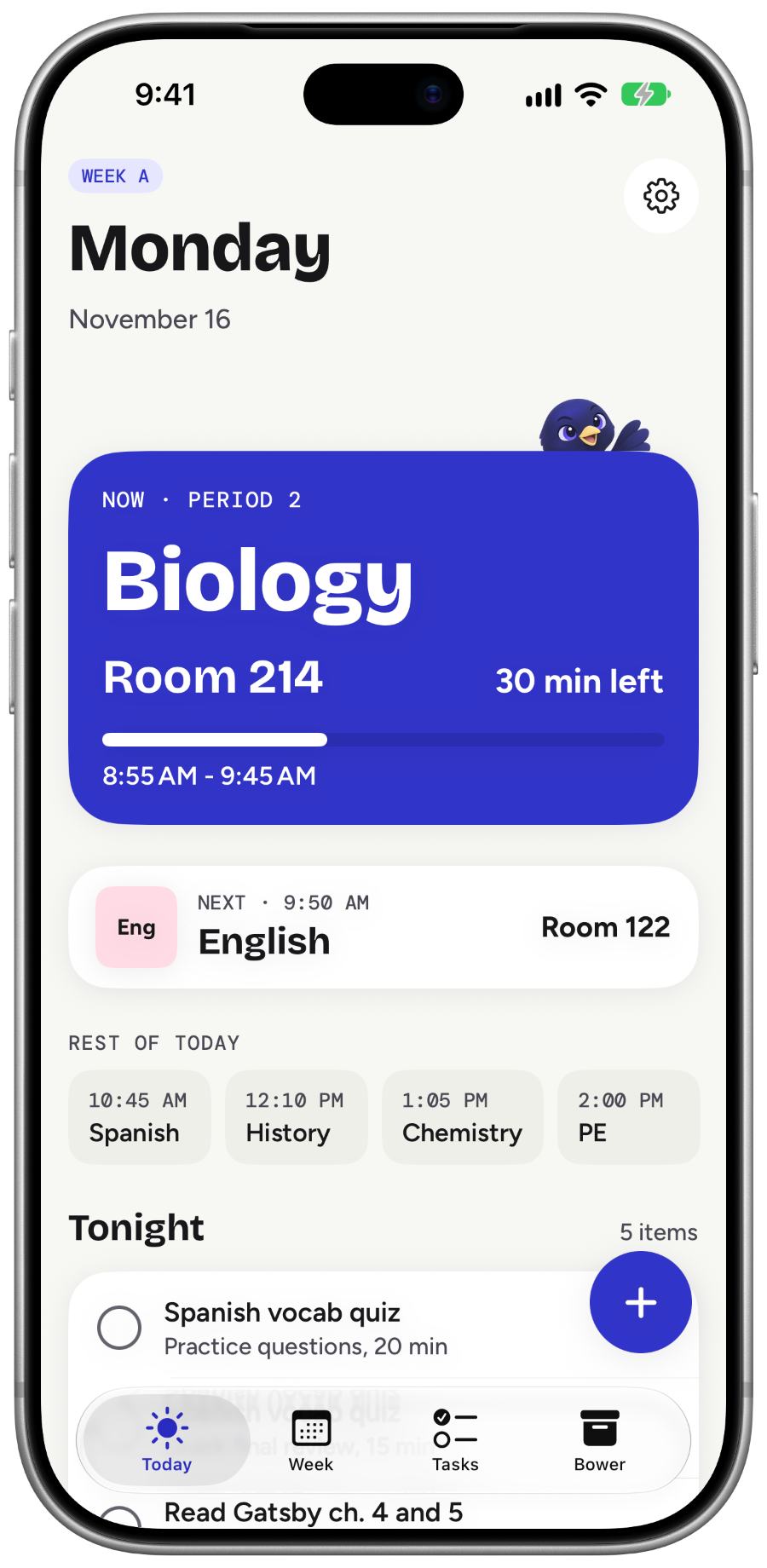
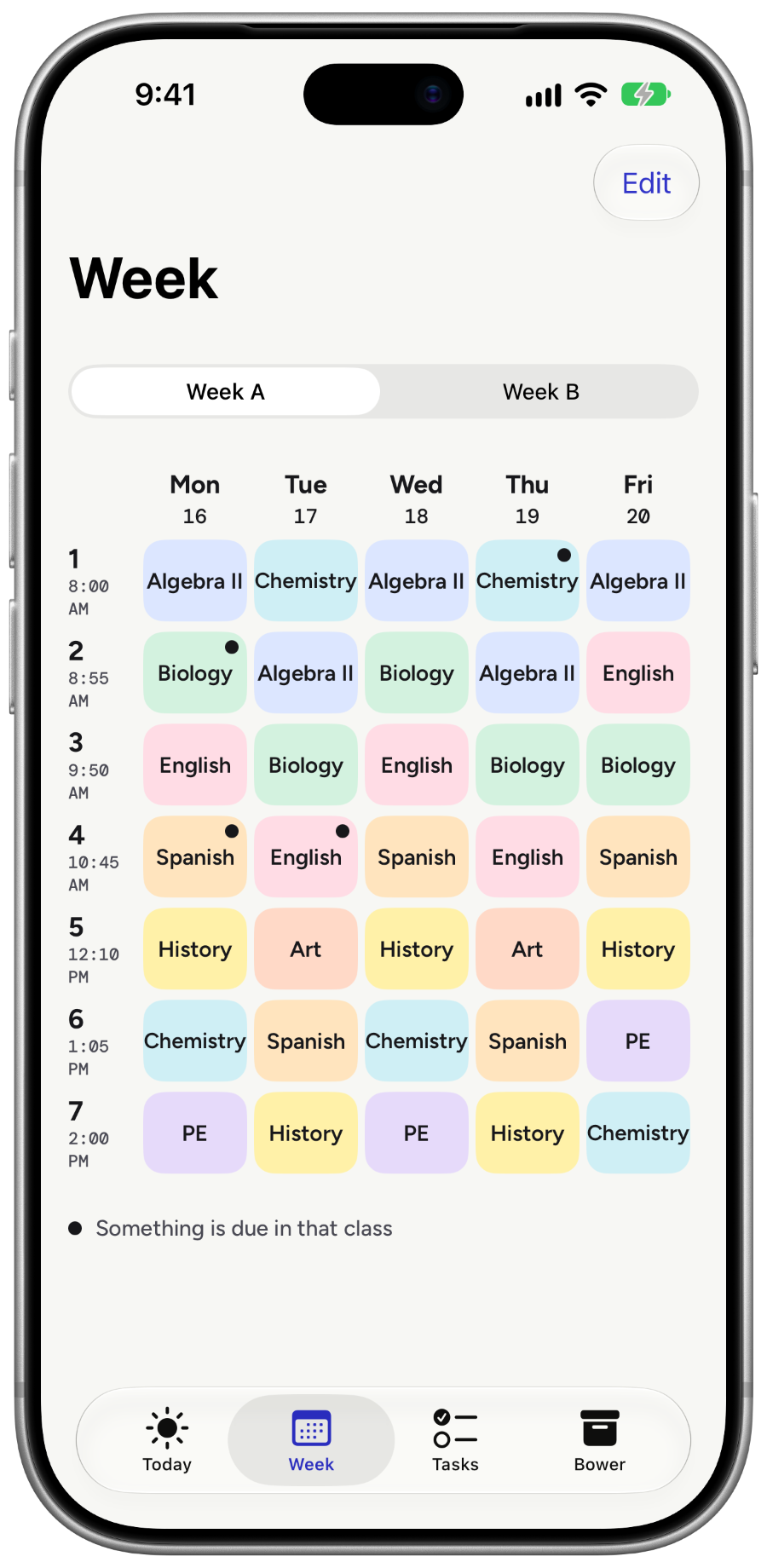
Timetable
Every period, every kind of week
Set up the same week every time, Week A and Week B, or rotating Day 1 to Day 6 schedules that skip weekends and days off. Your next class and its room are always one glance away.
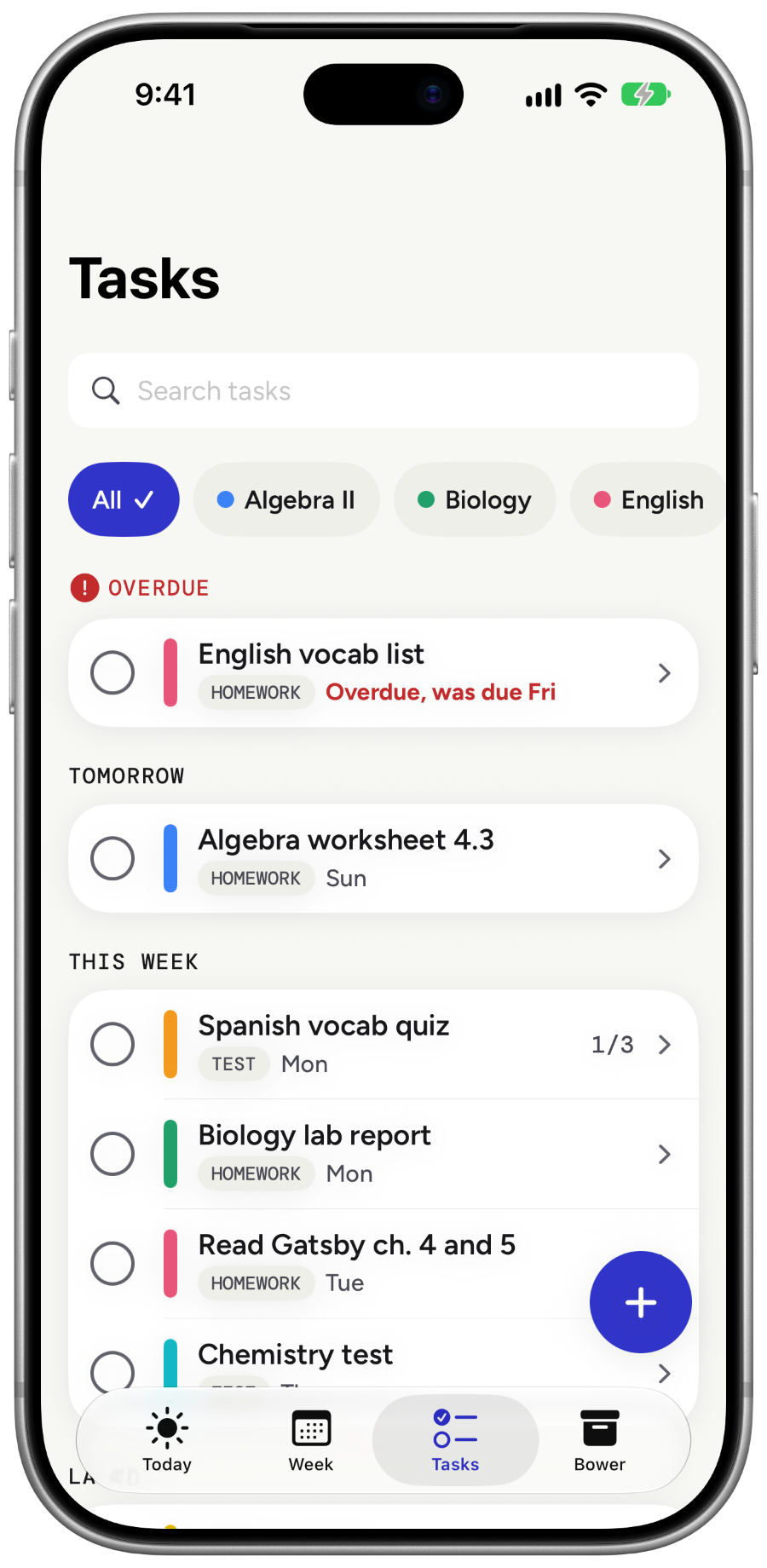
Homework
Homework tied to each subject
Add homework, tests and projects to a subject. The due date defaults to Next class, worked out from your timetable, so you do not have to count days.
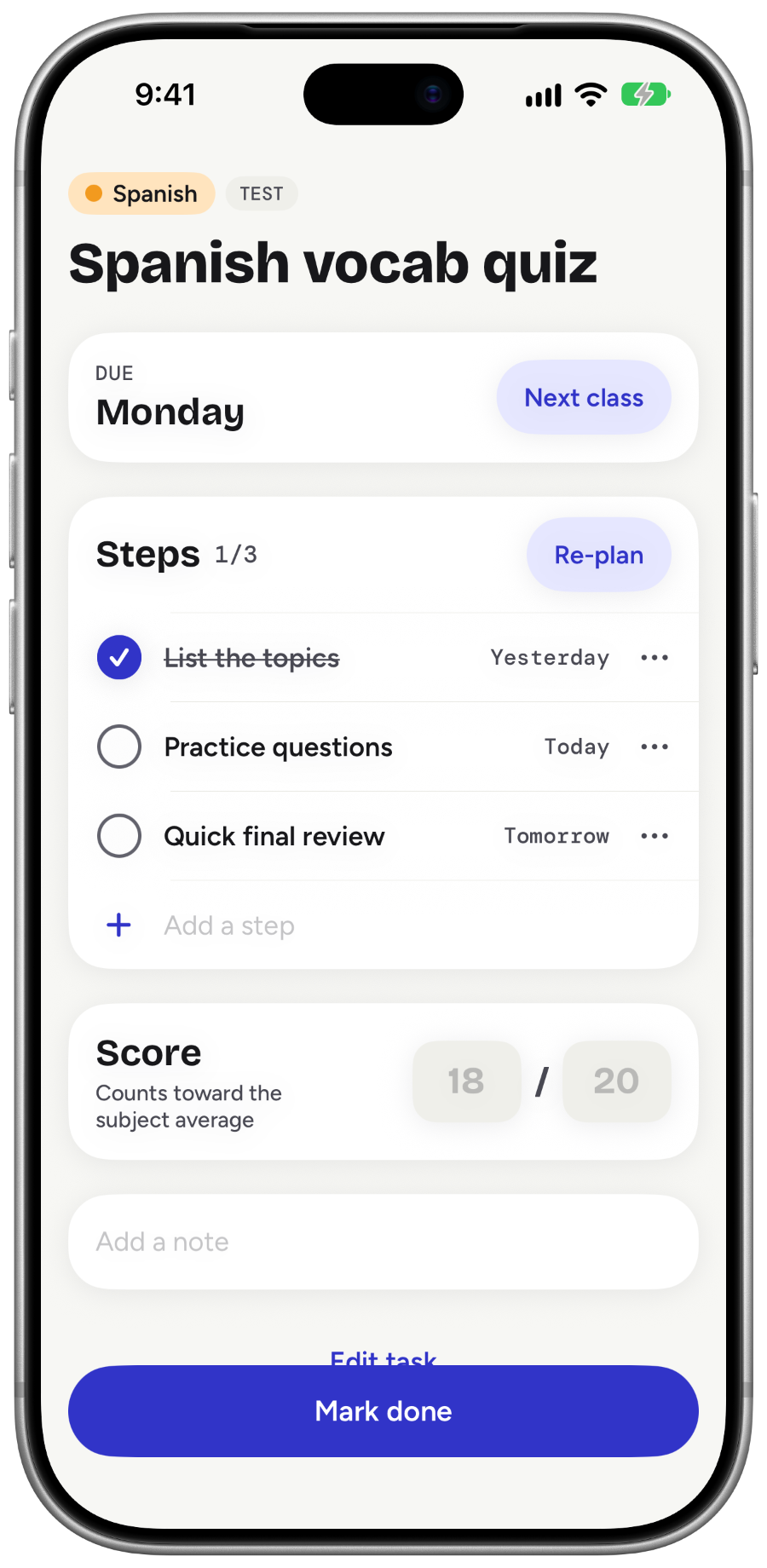
Plan it for me
Big tasks become small steps
Tell Bowerday about a project or a test. It splits the work into small steps spread over the days before it is due, so you know what to do tonight.
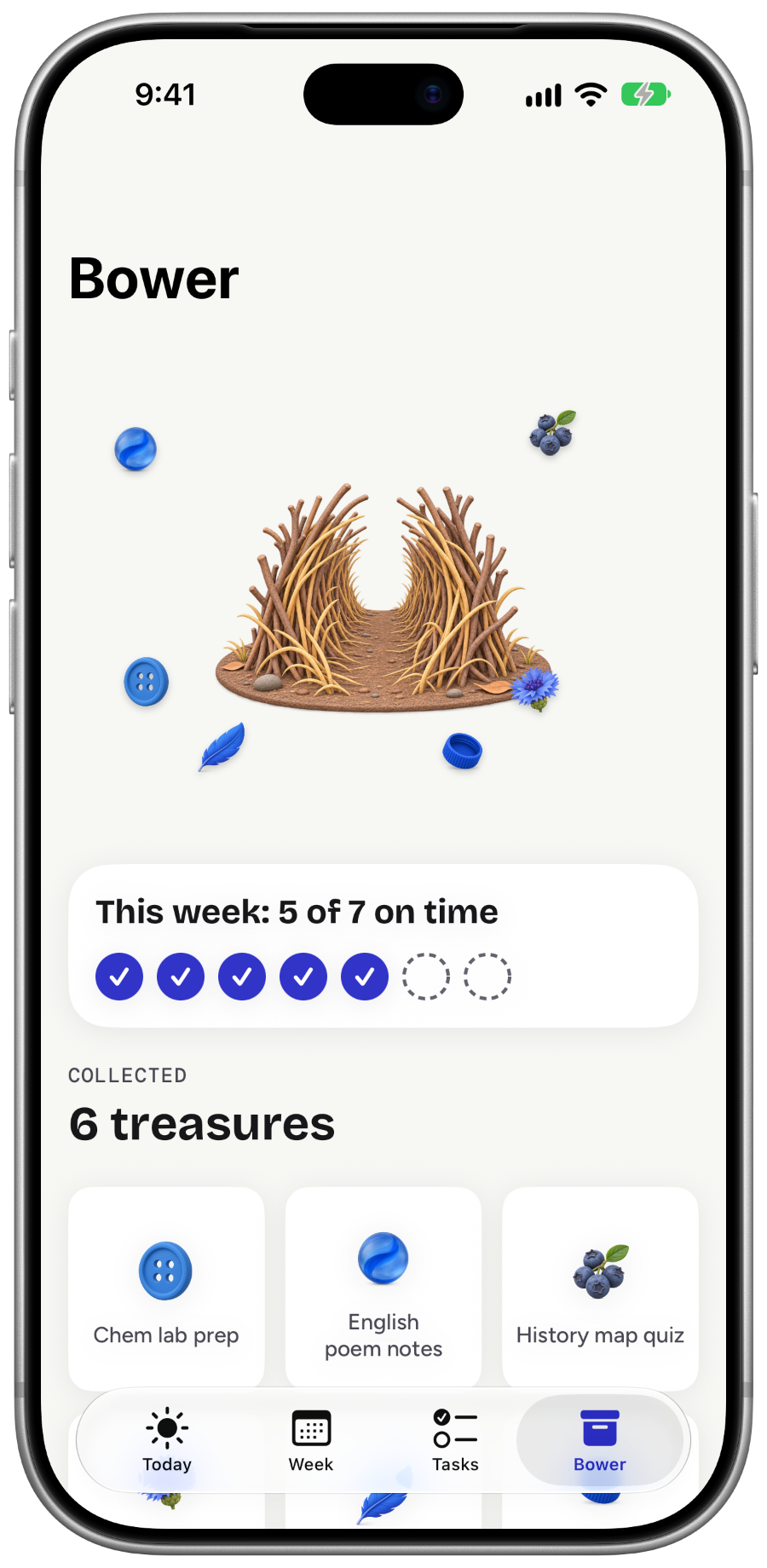
Bo and the bower
Finish on time, Bo brings a blue treasure
Real bowerbirds collect blue objects. Bo does too: every task finished on time adds a treasure to your bower, and your week shows how many you got done.
Bowerday Pro
Optional Pro unlock
An optional one-time purchase. There is no subscription.
- Plan it for me without limits
- Large and Lock Screen widgets
- Subject averages
The core planner stays available without Pro.
Questions
Do I need an account?
No. Open the app and set up your timetable.
Are there ads?
No ads, and no tracking.
Where is my data?
On your device and in your own iCloud. Nothing is sent to us.
Does it work with Week A and Week B?
Yes. Week A and Week B, rotating Day 1 to Day 6 schedules, and the same week every time are all supported.